I Leaked an API Key and It Turned My Own Domain Into a Phishing Weapon
Jamie Watters
Operational resilience and AI delivery practitioner.
The call was coming from inside the house.
Mid-July, my phone lit up with a new sign-in alert from one of my own products. I clicked it on the reflex you get from years of half-ignoring security emails, right up until the one that matters. A login form loaded. Something about it looked off enough that I closed the tab before typing a single character. Nothing entered, nothing lost. Or so I thought.
Over the next hour, more arrived. Fake sign-in alerts, fake billing notices, all impersonating my own domains. I run several products across nine domains, so my first read was that someone was spoofing my brand the way scammers spoof anyone with a website. Annoying, not existential.
Then I checked the logs.
The emails hadn't been spoofed. They'd been sent. Through my own Resend account, from my own verified domains, using an API key that was genuinely mine. Not a lookalike domain. Not a forged header sneaking past a filter. Real, authenticated mail from infrastructure I own, turned round and pointed at me. That's why none of it landed in spam. Every signal a mail provider checks, SPF, DKIM, domain reputation, said this was legitimate. Because it was.
Where the key actually leaked
For a bad half hour I assumed my .env files had leaked. They hadn't. I'm careful about that: .env is gitignored in every repo I run, and always has been.
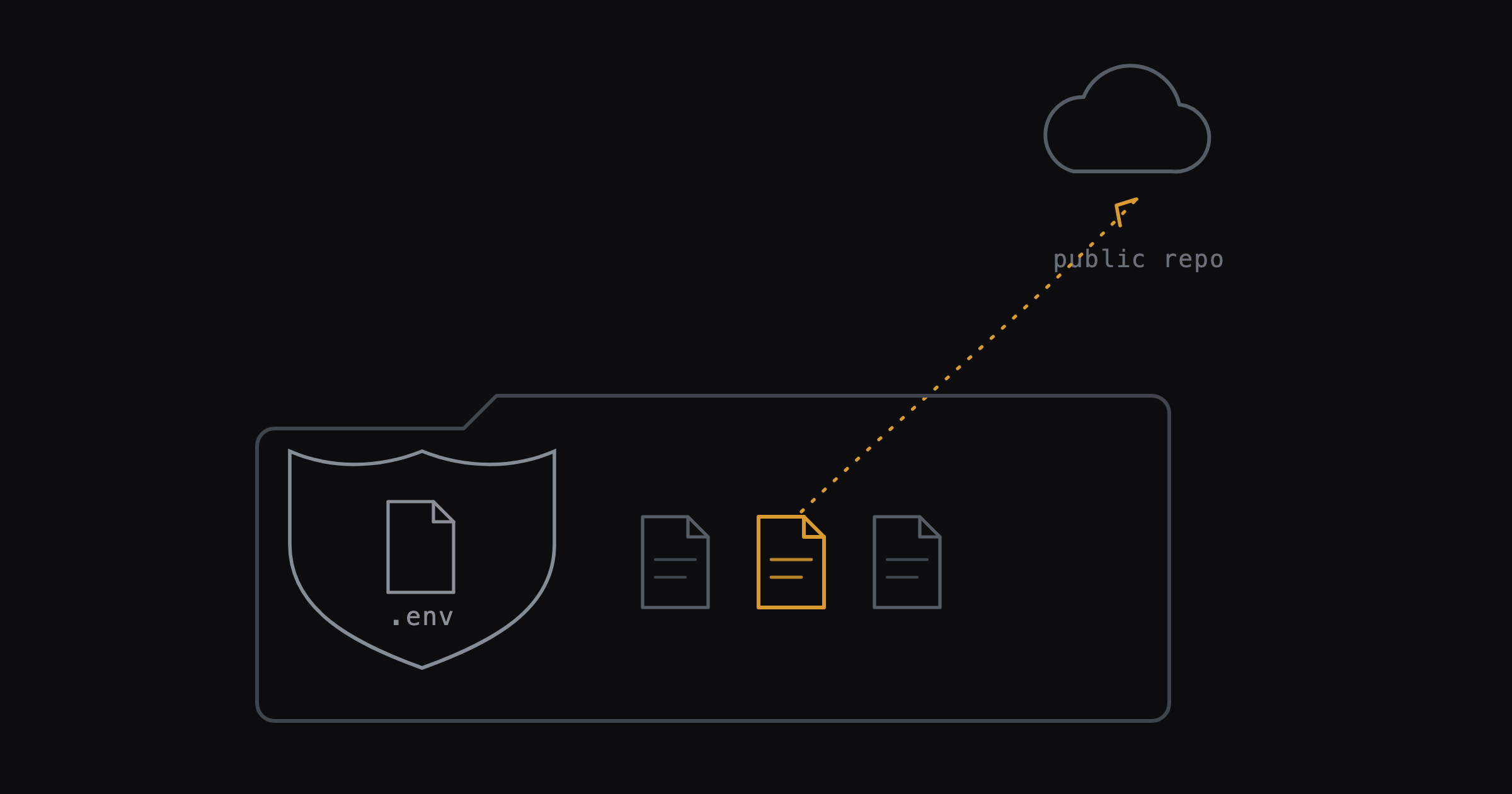
The keys leaked from the files sitting right next to .env that nobody treats as a secret store. A deployment script with a key pasted in for a late-night fix. A markdown handoff note, written for myself or for an AI coding agent picking up where I left off, that included a "here's the current env setup" block for convenience. A text dump titled something like "env vars backup" that I meant to delete and didn't. None of those files are named .env. All of them ended up in public GitHub repos.
That's the part worth sitting with if you build the way I build now. .gitignore protects a filename, not a category of information. An AI coding agent will write you a deployment script or a progress note without a second thought about whether the values inside it are secret, because you didn't tell it to think about that. Speed produces exhaust: scripts, handoffs, "just in case" dumps. The exhaust is where the keys hide.
And the harvesting is fast. A secret pushed to a public repo doesn't sit there waiting patiently to be found. Bots watch GitHub's public commit firehose in real time, and a live key gets picked up within minutes, not days. There's no quiet window to notice your mistake and fix it before anyone looks.
How one key became a nine-domain problem
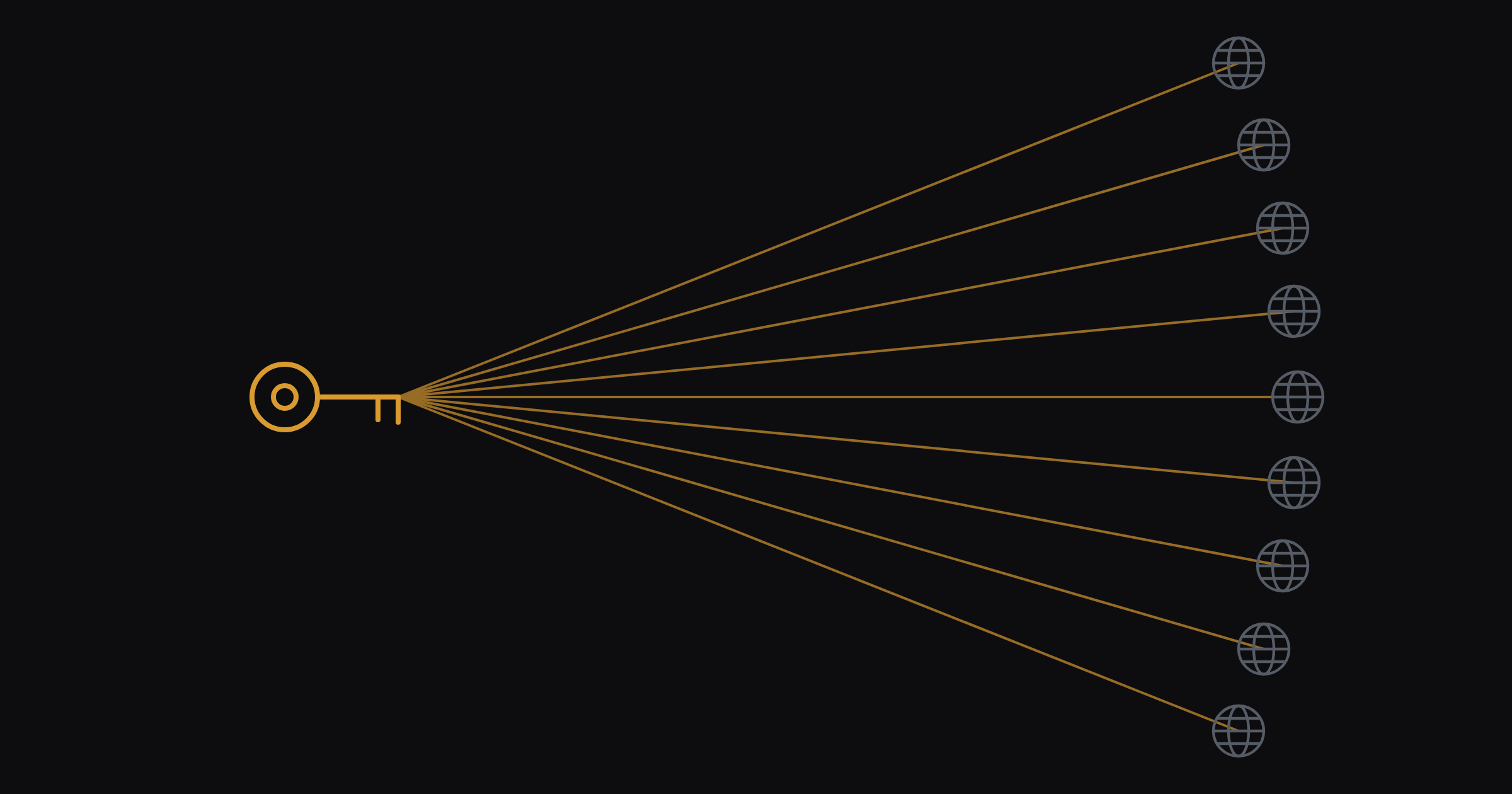
The key wasn't scoped to a single product. It had full access, so it could send as any of my nine verified domains, not just the one it leaked from. Whoever had it used that reach to go after bigger prizes: fake Stripe alerts, fake GitHub notifications, fake login pages, all riding on mail my own infrastructure was happy to send, because technically it was allowed to.
That's the sting in this story. I wasn't beaten by a clever attack. I was beaten by my own convenience, and then had to watch that convenience get pointed at trying to escalate into something worse.
What I actually did
Revoked all nine Resend API keys, no exceptions, then reissued clean ones. Turned on MFA everywhere it wasn't already on. Set up DMARC and SPF properly across all nine domains, so mail claiming to be me actually has to come from me. Then ran gitleaks across the full commit history of all 34 of my repos, not just the current files, because a secret you delete today is still sitting in yesterday's history for anyone who clones the repo.
Nothing else came back live. I got the response right. I'd have preferred to get the original mistake right instead.
The checklist, if you're shipping fast with AI
If you're a solo founder using AI coding agents to move quickly, this is worth twenty minutes now rather than a bad week later.
Search your repos for "key", "secret" and "token" outside .env, not just inside it. Deployment scripts and handoff notes are where these actually hide.
Run gitleaks, or something like it, across full git history, not just the current working tree. A secret you deleted last month is still there if you never rotated it.
Ask your AI coding agent, directly, whether the file it just wrote contains a real credential. It will paste one in for your convenience unless you tell it not to.
Scope every API key to the minimum it needs to do its job. A key that can only send from one domain does a fraction of the damage a full-access key does.
Turn on DMARC and SPF for every domain you own, used or not. An unused domain with no mail records is a free weapon for someone else to pick up.
I'd rather you read this and go check your own repos than read it and feel sorry for me. I'm fine. Go and look.